 Links
LinksSave with Share
Tap Share in the app you are using and choose Links. The link goes straight into your library.
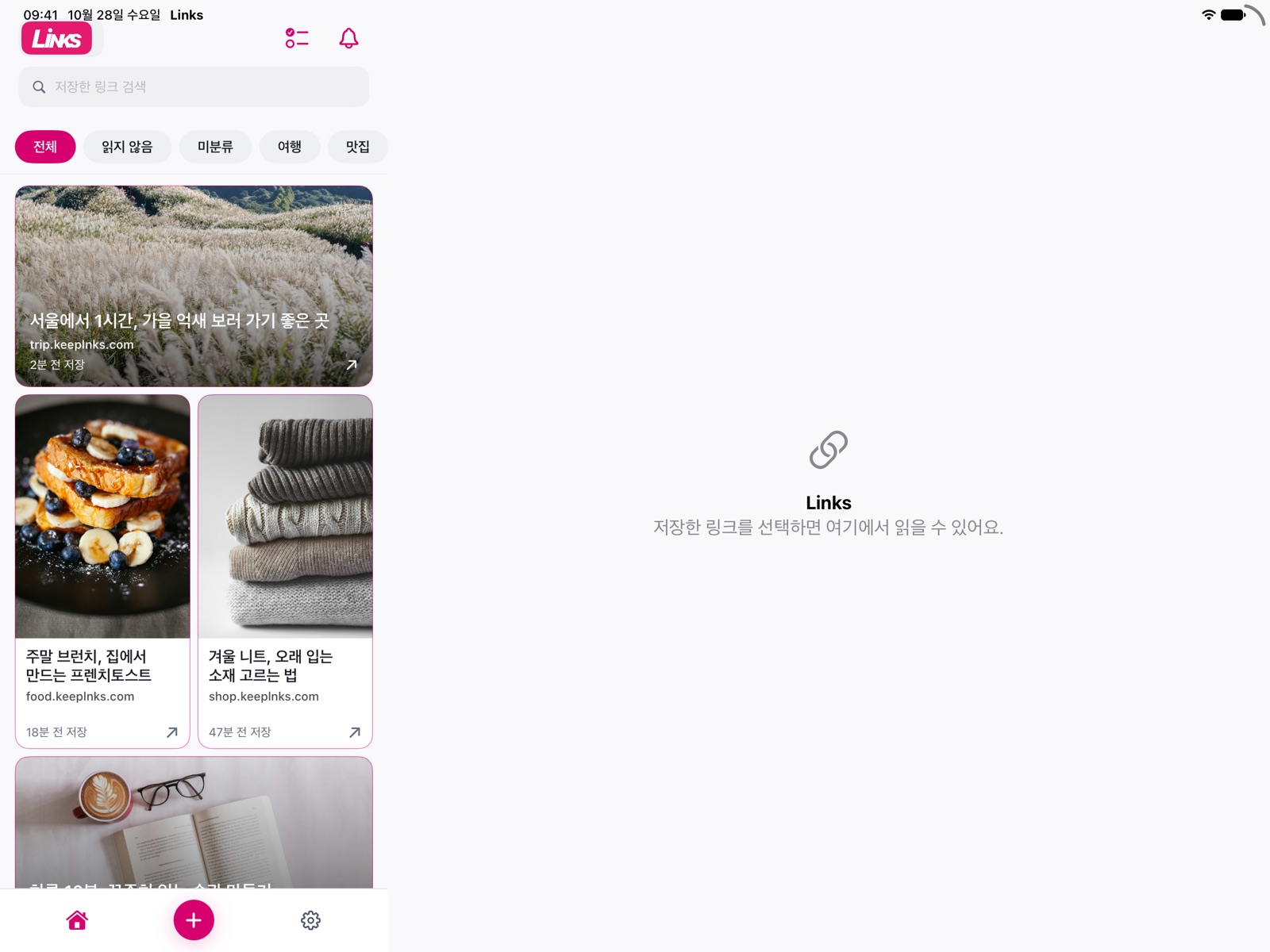
Link library for iPhone and iPad
Save with the share button or a single copy, sort into categories, and come back when you need them.
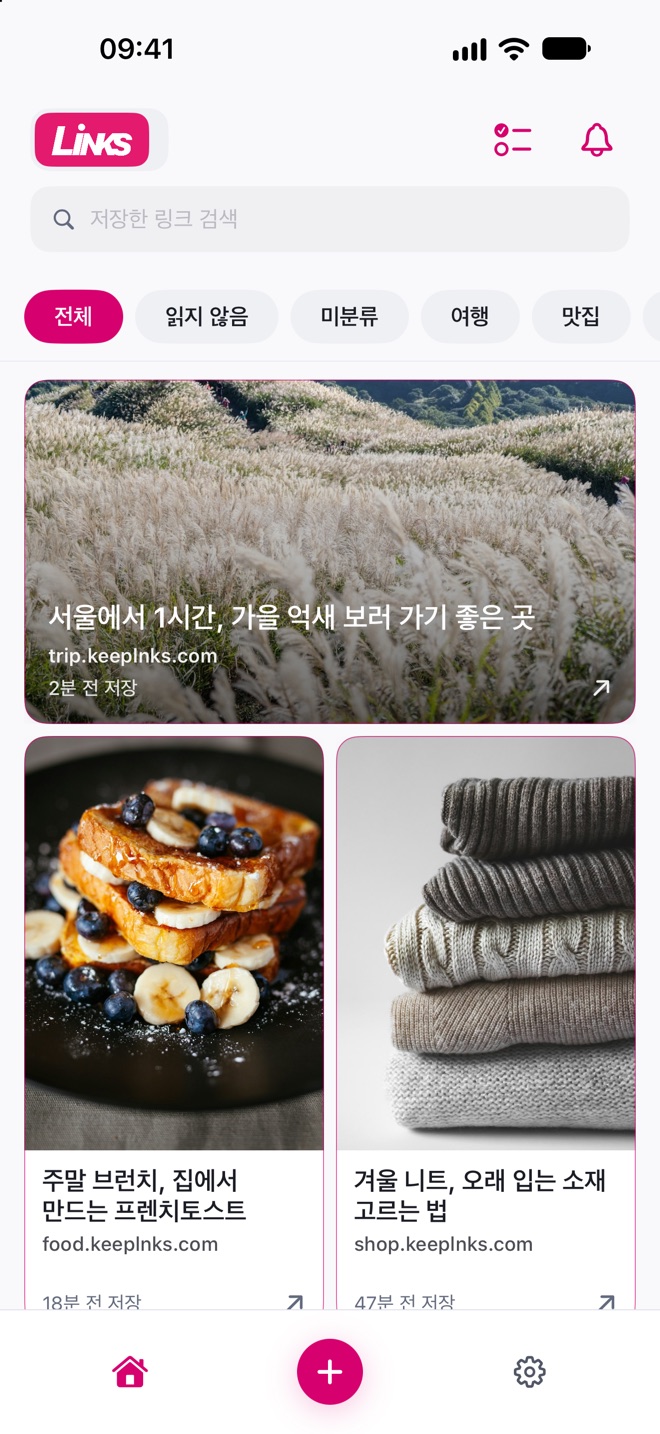
Tap Share in the app you are using and choose Links. The link goes straight into your library.
Copy a link, then open Links to save it automatically. Links reads the clipboard only when you allow pasting.
Sort links into categories, and see what you have not read yet in the Home Screen widget.
Your links
stay on your device
Install the same app on iPad and turn on iCloud sync to pick up the links you saved on iPhone.